

Designing a website used to mean weeks of wireframes, mockups, and back-and-forth with developers, In 2026, AI has compressed much of that work into hours. You can describe a page in plain English and get a working layout, generate polished UI screens from a prompt, or turn a rough sketch into clean code.
The challenge is choosing the right tool from so many options. Some are built for designers who want pixel-level control, others for founders who just need a good-looking site fast.
To help you decide, here are the 7 best AI tools for web design in 2026, with what each one does best and who it suits.
1. Framer AI
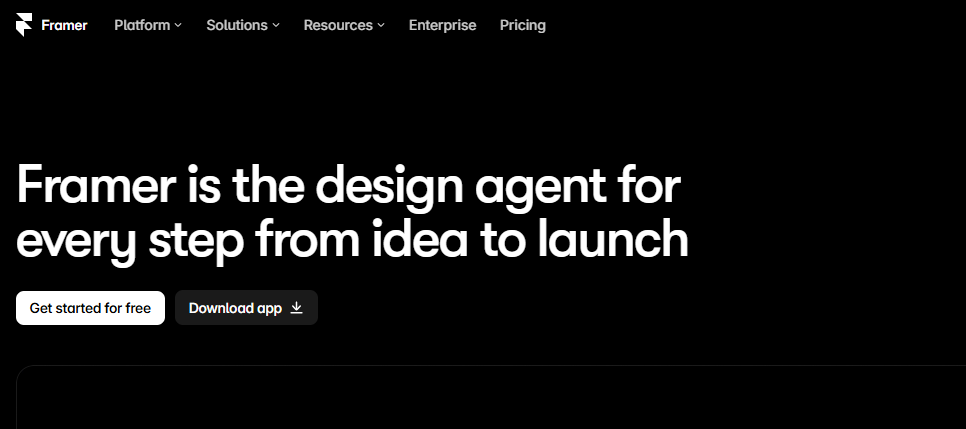
Framer has grown from a prototyping tool into a full website builder, and its AI features make it one of the fastest ways to go from idea to live site.
Describe your business and Framer AI generates a complete, responsive page with layout, copy, and styling already in place. You can then fine-tune everything in a visual editor with animations and interactions that look custom-built. It is a great fit for designers, startups, and creators who want a modern, high-end look without writing code.
2. Figma (with Figma Make)
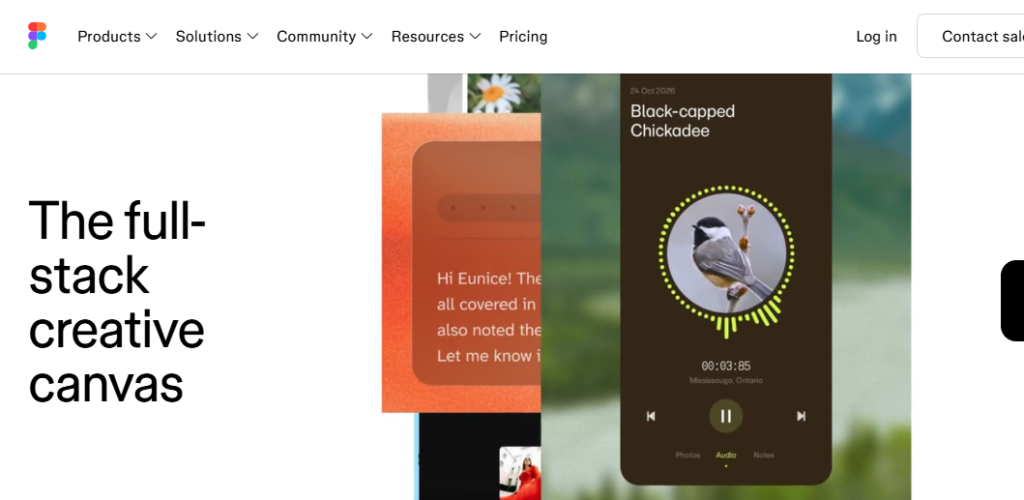
Figma is still the industry standard for interface design, and its AI features keep making it more useful. Figma Make can turn prompts into interactive prototypes and working designs, and it helps with layout suggestions, auto-naming layers, and generating placeholder content.
If you work in a team, Figma’s real-time collaboration makes it hard to beat. It is best for professional designers and product teams who want AI to speed up their workflow while keeping full creative control.
3. Webflow AI
Webflow gives you the power of custom web development in a visual interface, and its AI tools make that power easier to reach. You can generate site structures, page sections, and copy from a prompt, then refine everything with precise control over design, CMS, and SEO.
Webflow is ideal for marketers, agencies, and designers who want a professional, scalable website without hand-coding. The learning curve is steeper than simpler builders, but the flexibility is worth it.
4. Uizard
Uizard is built for people who think in ideas rather than design tools. Type a prompt, upload a hand-drawn sketch, or share a screenshot, and it converts it into an editable UI design in seconds.
It is especially useful for non-designers, product managers, and founders who need to visualize a concept quickly and share it with a team or client. If you want fast mockups without a design background, Uizard is a strong choice.
5. Relume
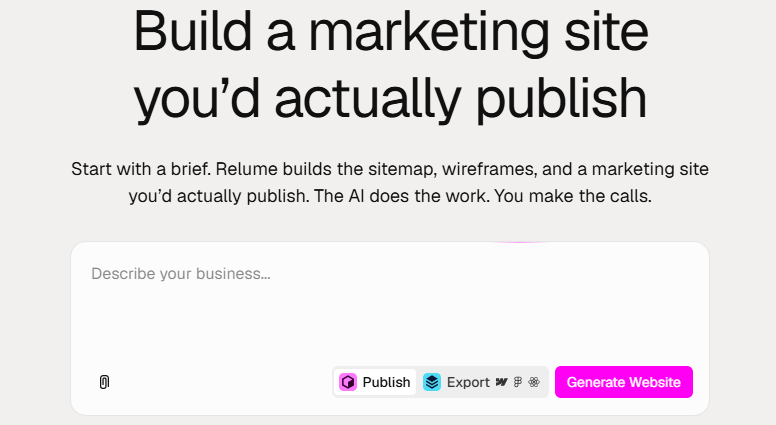
Relume takes the most time-consuming part of web design, planning, and automates it. Enter a short description of your project and it generates a full sitemap and wireframes for every page, built from a large library of ready-made components.
From there, you can export directly to Figma or Webflow and continue designing. It is a favorite among agencies and freelancers who want to cut project kickoff time dramatically and keep their structure consistent.
6. Emergent
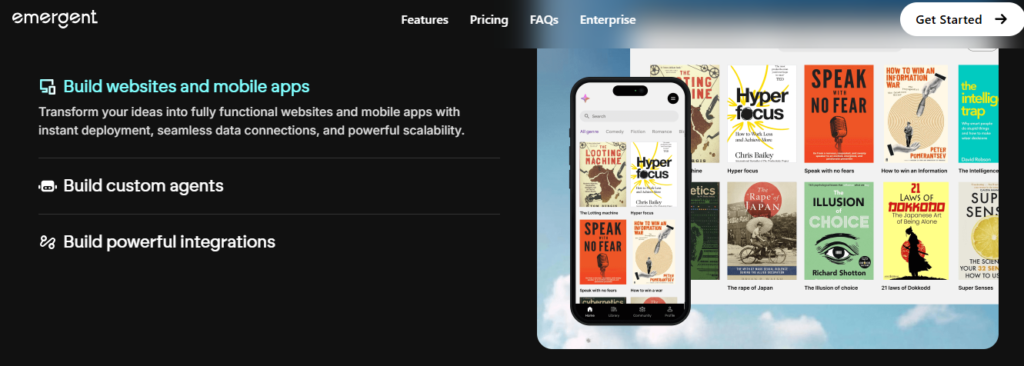
Emergent lets you build full websites and web apps just by describing what you want. Its AI agents handle the design, the frontend, and the backend logic, so you end up with a working product rather than just a pretty mockup.
You can keep refining the result through conversation, adding features, changing layouts, or fixing issues without touching code. It is a great option for entrepreneurs, solo founders, and non-coders who want a custom site with real functionality and a fast path from idea to launch
7. UX Pilot
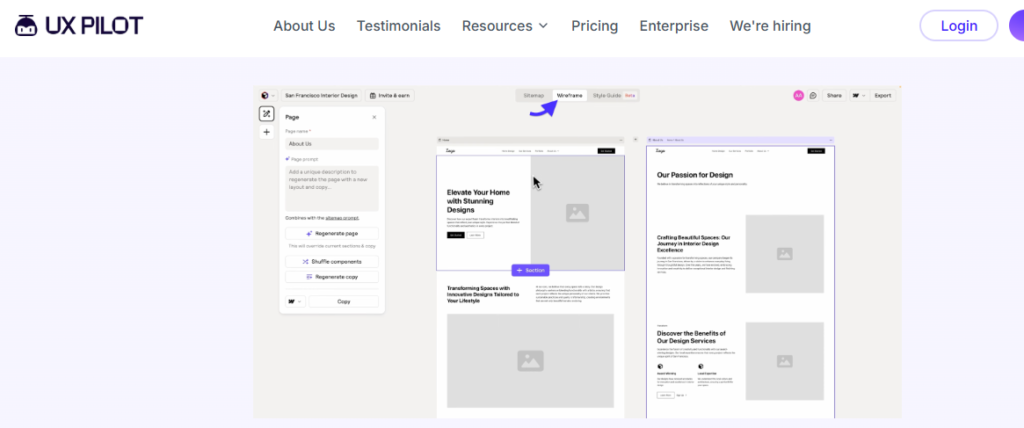
UX Pilot is an AI design tool made for creating high-quality interfaces quickly. Describe the screen or page you need, and it generates wireframes and polished, high-fidelity UI designs in seconds, with options to explore different directions.
Its Figma integration lets you bring the designs straight into your existing workflow for further editing. It is a strong pick for UI/UX designers, product teams, and agencies who want to speed up the early design stages and cut the time spent on first drafts.
Final Thoughts
There is no single best AI web design tool, only the best one for your needs. If you want design freedom and a polished look, Framer, Figma, or Webflow are excellent.
If you need to move fast from an idea to a layout, Uizard, Relume, and UX Pilot can save hours of work. And if you want to go beyond design and ship a fully working site or app, Emergent is hard to ignore.
Whichever you choose, AI will not replace good design judgment, but it will remove much of the busywork so you can focus on creating something great. Try a couple of these tools, see which fits your workflow, and start building.